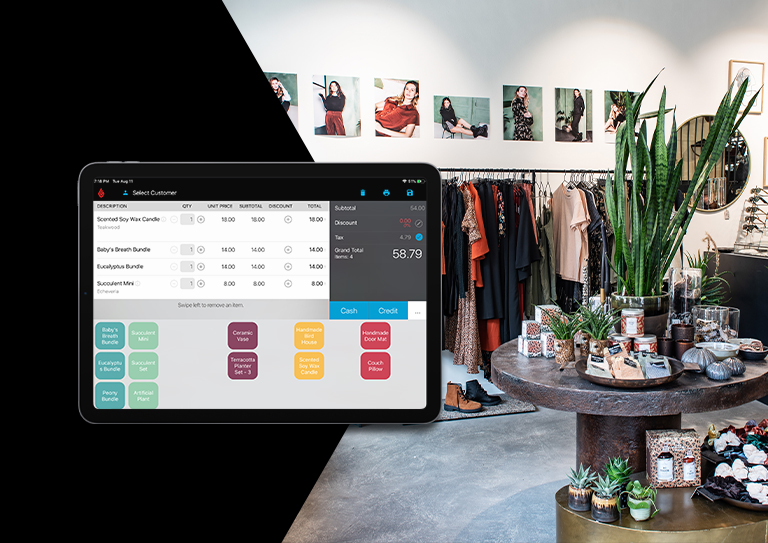
The Better Way To Run Your Retail Shop.

The only web-based point of sale software that keeps running even when the internet is down. Ring up sales, take credit cards, print receipts, manage inventory and customers all from the web. It has all of the good parts of expensive point of sale software, but none of the bad (like expensive up front costs).

The only web-based POS software that keeps running when the Internet is down.

Here's how ShopKeep works:

Log into your BackOffice using a web browser to set up your items, cashiers, customers and more from any computer, from anywhere.

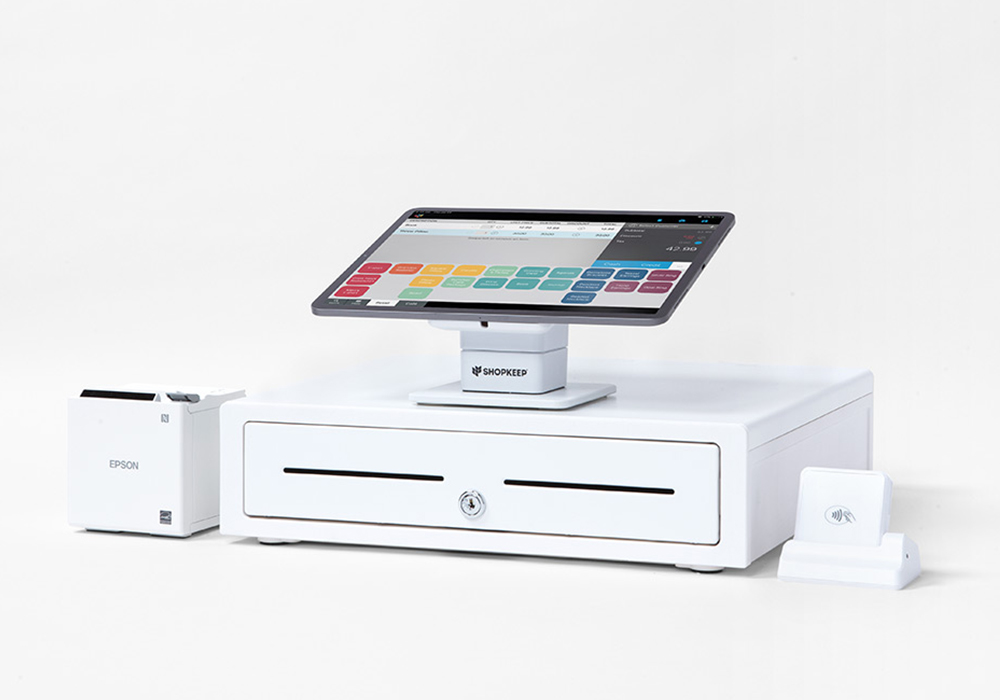
Install the ShopKeep Register on your PC (Mac coming soon). It works with your scanner, cash drawer, and receipt printer. And even works when the Internet is down!

See your sales and manage your store remotely by logging into your BackOffice from your smart phone or any web browser even from your Mac!

ShopKeep in action:

  • Register Keypad

  • Manager home screen on the POS Register

  • Do a safe drop on the Register

  • Payout cash from the drawer

  • Search for an item at the Register

  • The transaction screen on the Register

  • Tender for cash at the Register

  • Back Office Reports Screen

  • Backoffice Inventory Screen

Frequently Asked Questions:

Can I keep my current credit card processing account?

Yes!  If you want to keep your current processor we can work with them as long as they are on this list. Once you sign up there will be an option to apply for merchant processing with Mercury Payments our preferred processor. You don’t need to accept credit cards to use ShopKeep.com cash will do just fine.

How can I get POS hardware for my business?

We can help.  Our POS Hardware page shows you all our recommended hardware choices with links to click through and purchase.  If you need someone to come and install everything and set it up for you just contact us and we can hook you up there too.

I currently use Microsoft Dynamics RMS can you import my data?

Yes! We have an import feature that allows you to import your data into ShopKeep.com. We can import items, customers and sales history including detail. There is a tutorial here or we can do it for you just ask.

What if my internet goes down?

ShopKeep.com is the only web based POS software that still runs when the Internet goes down. The Patent Pending Register application runs locally on your PC  (Mac coming soon) so a failed Internet connection doesn’t stop you from making sales!  Even if the ShopKeep BackOffice goes down (it happens to the best of them) your register will keep on ringing. See our blog post about The Best of Both Worlds

Is ShopKeep.com PCI compliant?

Yes. Our Partner Plug N Pay Technologies processes all credit card transactions for ShopKeep.com and they are Level 1 certified by Visa/Mastercard.

Do I need to sign a long term contract?

No. ShopKeep.com is a pay-as-you-go service. No long term contracts or commitments on your part. Just pay month-to-month. If you cancel, you’ll be billed for the current month, but you won’t be billed again. There are no additional set up, maintenance or service fees either! Everything is included for one low monthly price.

Is it true ShopKeep.com was developed by a retailer?

Yes. Jason Richelson (twitter: @jrichelson) one of the founders of The Greene Grape designed ShopKeep.com to fix the problems of old fashion POS software. Namely, he could not manage his shop from outside its walls and he was fed up with managing servers, software and backups. Web based point of sale was the way to go!

Is ShopKeep.com right for my type of store?

ShopKeep.com is great for a large variety of stores.  Wine boutiques, gourmet food stores, sporting goods stores, gift shops, quickserve restaurants. Just about any retail environment can benefit from the POS software and inventory management system in the ShopKeep.com solution.  If you are not sure if we are right for your business contact us and we will go through the needs of your type of business to see if we are a good fit.

What is web based or “cloud” software?

Web based software also called “cloud computing” simply means running your application through a web browser without downloading or installing any software locally on your machine. Why is this better? It saves you money, is more secure, and can help you stay focused on running your shop instead of managing software and hardware. See this awesome video from Salesforce.com on “What is cloud computing?”

Powered by Olark